
· Caliber Dynamics · Guides · 3 min read
Leveraging UEX for Commodity Trading in Star Citizen
A step-by-step guide to setting up a UEX account, adding your ship, and affiliating with Caliber Dynamics for optimized commodity trading.
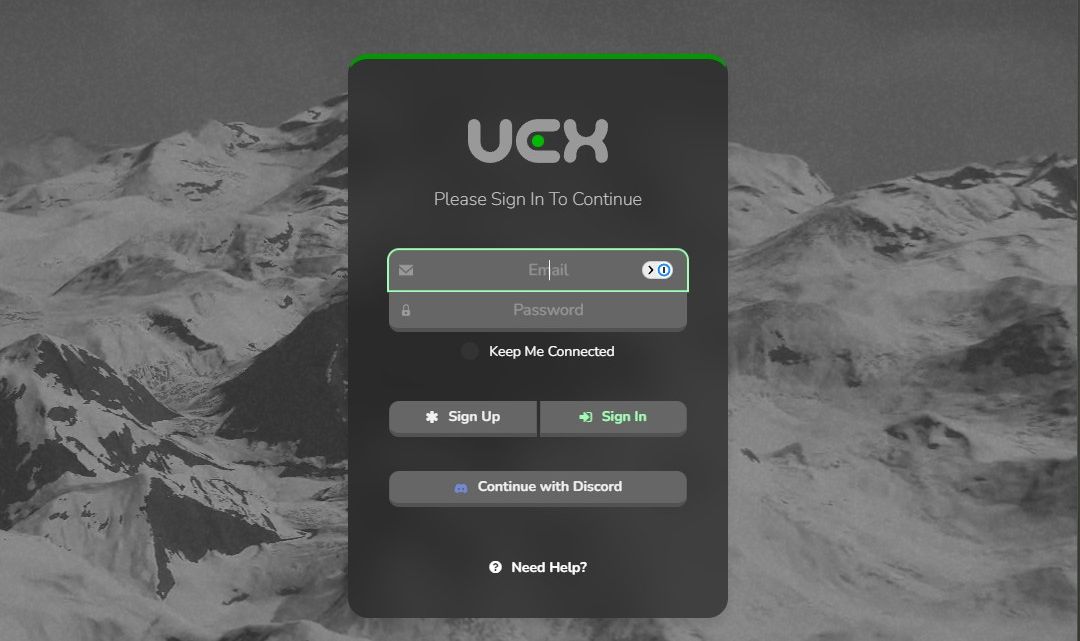
For traders in Star Citizen, staying ahead of the market is key to maximizing profits. One of the most useful tools available is UEX (United Express Corporation), an online platform that provides live market data, trade route optimization, and price tracking for commodities. In this guide, we will walk you through setting up a UEX account, adding your ship, and affiliating with Caliber Dynamics to enhance your trading experience.
Setting Up a UEX Account
To get started with UEX, follow these steps:
- Visit the UEX Website — Go to uexcorp.space in your browser.
- Create an Account — Click on the Register button and enter your details, including a username, email, and password.
- Verify Your Email — Check your inbox for a confirmation email and follow the provided link to activate your account.
- Login & Customize Settings — Once verified, log in and adjust your profile settings, including time zone preferences and data refresh rates for live pricing.
Adding a Ship to Your UEX Profile
Tracking your cargo hauler’s capacity is important for trade planning. Here is how to add your ship:
- Go to the Vehicles Tab — Navigate to My Fleet.
- Add a New Ship — Click on Add Vehicle and select your ship model from the available model list.
- Name Your Ship — Give your ship a cool name.
- Add Your Serial Number (optional) — Give your ship a serial number.
- Associate the Organization — Select Caliber Dynamics from the Organization drop down menu.
- Add Some Lore — Write a short quip about your ship.
- Show It Off — Take a nice screenshot in-game of your ship and add the screenshot.
- Save & Update — Confirm your details and save the ship to your profile by selecting Add to fleet.
Adding Caliber Dynamics as Your Organization
For members of Caliber Dynamics, linking the organization to your UEX account helps coordinate trade routes and economic strategies. Here is how to do it:
- Navigate to the Account Section — Click on Orgs.
- Join Caliber Dynamics — Use this link to join Caliber Dynamics on UEX.
- Confirm Affiliation — Click Join/Confirm to link your account with the organization.
- Access Shared Data — Once linked, you will be able to access shared trade insights and contribute to the group’s collective trading success.
Why Use UEX for Trading?
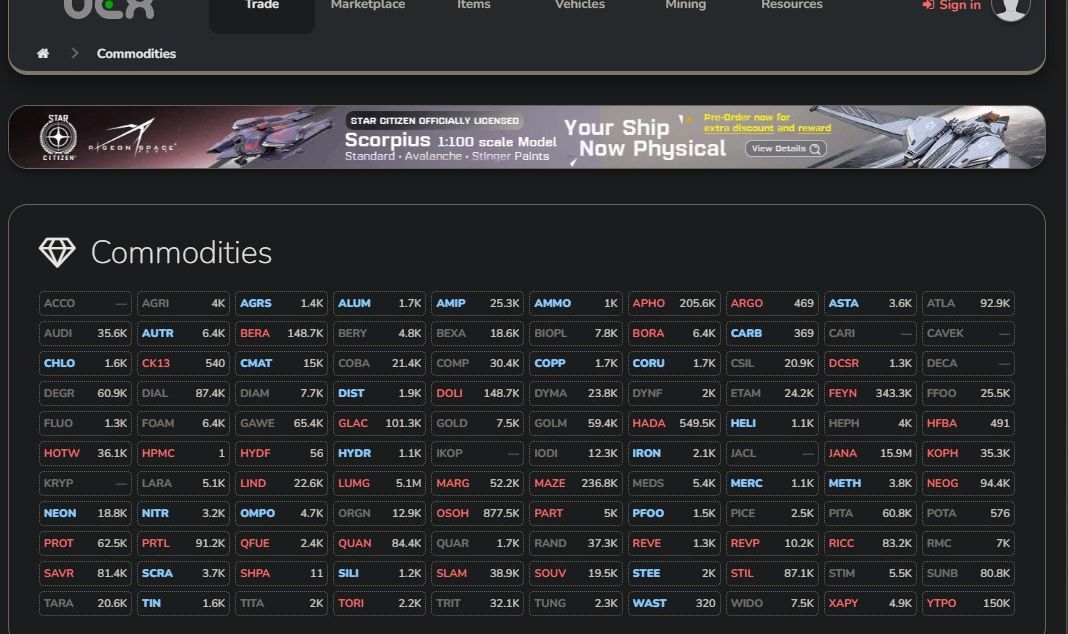
- Live Market Prices — Stay up to date with dynamic pricing to ensure profitable transactions.
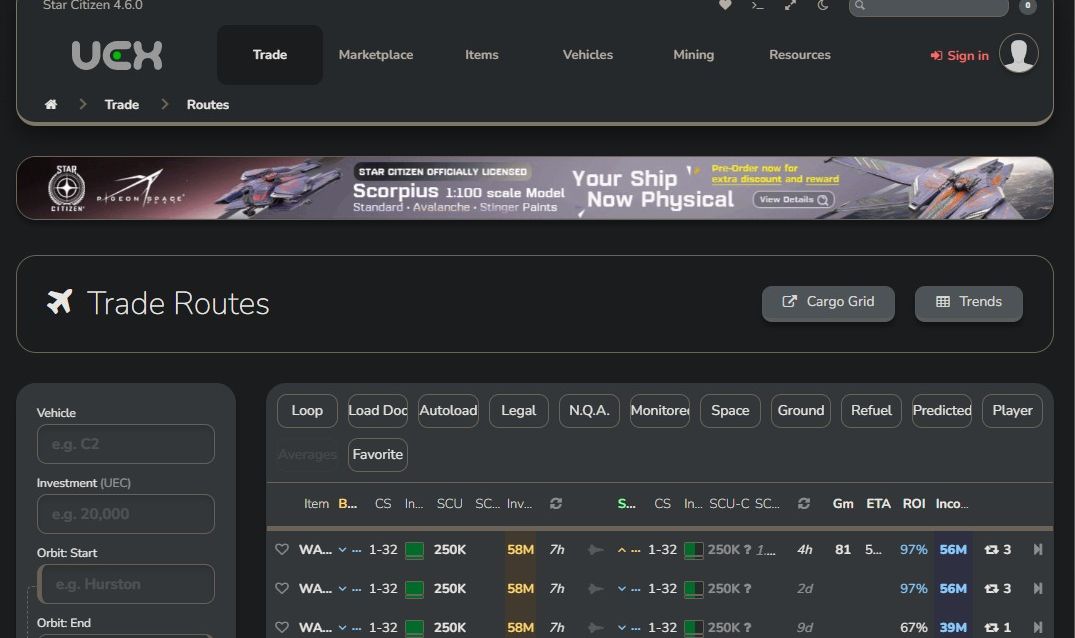
- Trade Route Optimization — Plan the most efficient routes to maximize earnings.
- Fleet Management — Keep track of cargo capacity and ship availability.
- Organizational Coordination — Work with Caliber Dynamics to strategize the best trade opportunities.
Conclusion
Using UEX is a game-changer for serious traders in Star Citizen. By setting up your account, adding your ship, and affiliating with Caliber Dynamics, you can streamline your trading operations and increase your profits. Whether you are running small hauls or major trade convoys, UEX provides the tools needed to stay ahead in the evolving economy of the verse.
Start optimizing your trade routes today and make every haul count!
Discussion